

 International
 Malaysia
 Indonesia
 Thailand
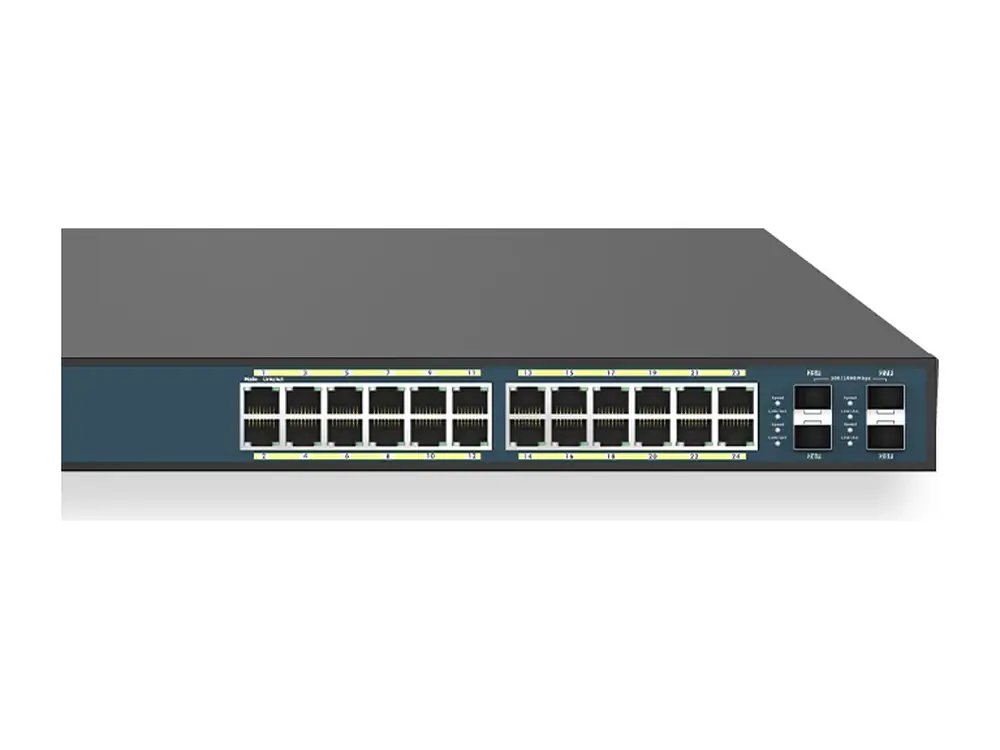
 EWS7928FPEnd of life
EnGenius EWS7928FP Managed 24-port gigabit PoE switch (370W PoE budget)
24-Port Managed Gigabit 370W PoE+ Network Switch
The EnGenius EWS7928FP is a managed 24-port gigabit PoE switch (370W PoE budget): 24-Port Managed Gigabit 370W PoE+ Network Switch. It suits powering access points, ip phones and cctv cameras and office and branch networks. Vemax Distribution Sdn Bhd supplies the EWS7928FP in Malaysia through resellers and system integrators, with local warranty and pre-sales support from offices in Kuala Lumpur, Kuching, Penang and Kota Kinabalu.
The EWS7928FP has been discontinued by EnGenius. This page keeps its specifications and datasheet for existing users. Contact Vemax for the recommended replacement.
- Network switch
Supplied by Vemax Distribution Sdn Bhd, EnGenius distributor in Malaysia, with local stock, warranty and RMA support.
Key features of the EWS7928FP
- 24-Port Managed Gigabit 370W PoE+ Network Switch
Best for
- Powering access points, IP phones and CCTV cameras
- Office and branch networks
- Hotels, schools and retail chains
- Core and aggregation layers
EWS7928FP overview
The EWS7928FP Switch simplified network configuration, monitoring, and management options along with an intuitive Web interface. Locally manage up to 50 Neutron EWS APs and centrally manage wired and wireless networks via ezMaster. Power compatible PoE+ devices such as IP cameras, VoIP phones and APs. (24) 10/100/1000 Mbps Gigabit Ethernet PoE+ Ports; (4) SFP Ports 19” Rackmount Supports 802.3af/at PoE & Total Budget of 370W 4 Types of In-Switch Network Management Options Onboard Tools to Manage Wired & Wireless Devices
Product description from EnGenius.
EWS7928FP key specifications
| Gigabit copper ports | 24 |
|---|---|
| SFP ports | 4 |
| PoE budget | 370W |
| Switching capacity | 56Gbps |
Full technical specifications
Technical Specifications Switch
| Technical Specifications | Port Standards 802.3 10Base-T Ethernet 802.3u 100Base-TX Ethernet 802.3ab 10000Base-T Ethernet 802.3x Full-Duplex Flow Control |
|---|---|
| Network Ports | 24 10/100/1000 Mbps Ports 4 10/100/1000 Mbps SFP Ports 1 RJ45 Console Port |
| Performance | Switching Capacity: 56 Gbps Forwarding Mode: Store-and-Forward SDRAM: 256 MB Flash Memory: 32 MB Packet Buffer Memory: 512 KB |
| PoE Budget | 370 W |
| Power Source | 100 ~ 240VAC, 50-60Hz 8.5A |
Physical Interface Switch
| LED Indicators | Reset Button Desktop/Wall Mount |
|---|---|
| LED Indicators | Device: Power LED Fault LED PoE Max LED LAN Mode LED PoE Mode LED |
| Ports | Link/Activity/Speed (per Ethernet port) Link/Activity/Speed (per SFP slot) |
L2 Features Switch
| 802.3ad Link Aggregation | – Maximum of 8 Groups/8 Ports per Group |
|---|---|
| Port Mirroring | – One-to-One – Many-to-One |
| Spanning Tree Protocol | – 802.1D Spanning Tree Protocol (STP) – 802.1w Rapid Spanning Tree Protocol (RSTP) – 802.1s Multiple Spanning Tree Protocol (MSTP) |
| MAC Address Table | – 8K Entries |
| Static MAC Address | – 256 Entries |
| IGMP Snooping | – IGMP v1/v2/v3 Snooping – Supports 4094 IGMP Groups – IGMP per VLAN – IGMP Snooping Query – IGMP Snooping Fast Leave |
| MLD Snooping | – MDL Snooping v1/v2 – Supports 4,094 MLD Groups – IGMP per VLAN |
| Jumbo Frame | – Up to 9,216 bytes |
| VLAN | 802.1Q Support |
| VLAN Group | – Max 4,094 Static VLAN Groups |
| QoS | 802.1p Quality of Service – 8 Queues per Port |
| Queue Handling | – Strict – Weighted Round Robin (WRR) |
| QoS Based on: | – 802.1p Priority – DSCP |
| Bandwidth Control | – Port-Based (Ingress/Egress, 64 Kbps~1000 Mbps) |
| Access Control List (ACL) | Layer 2/3 – Supports Maximum 50 Entries (ACL) – Supports Maximum 256 Entries (ACE) |
| ACL Based on: | – MAC Address – VLAN ID – 802.1p Priority – Ethertype – IP Address – Protocol Type – DSCP |
| Security | 802.1X – Guest VLAN – Port-Based Access Control |
| Port Security | – Up to 256 MAC Addresses per Port |
| Monitoring | Port Statistics System Log RMON |
| Management | Web Graphical User Interface (GUI) Command Line Interface (CLI) BootP/DHCP Client/DHCPv6 Client SSH Server Telnet Server TFTP Client HTTPS |
| SNMP | – Supports v1/v2c/v3 SNMP Trap SNTP Configuration Restore/Backup Dual Images |
| Diagnostic | Cable Diagnostic Ping Test Trace Route |
Specifications from EnGenius. Subject to change by the manufacturer; check the official datasheet for the latest details.
Suggested current models
EWS7928FP questions
Where can I buy the EnGenius EWS7928FP in Malaysia?
Vemax Distribution Sdn Bhd is the EnGenius distributor in Malaysia. You can buy the EWS7928FP through our reseller and system integrator network in Kuala Lumpur, Selangor, Penang, Johor, Sabah and Sarawak. Contact Vemax at +60 16-874 7515 or sales@vemax.com.my and we will connect you with a reseller or quote you directly for projects.
What is the price of the EnGenius EWS7928FP in Malaysia?
Pricing depends on quantity and project size. Request a quote from Vemax for the latest EWS7928FP price in Malaysia. Registered resellers receive dealer pricing.
Does the EWS7928FP come with a Malaysian warranty?
Yes. Units supplied by Vemax carry the official EnGenius warranty with local RMA handled in Malaysia, so there is no need to send products overseas.
How many PoE devices can the EWS7928FP power?
The EWS7928FP has a 370W PoE budget. That is roughly 24 devices at 15W (IP phones, cameras) or 12 devices at 30W (Wi-Fi 6/7 access points), up to the number of PoE ports.
Where can I download the EWS7928FP datasheet?
Use the "Download datasheet" button on this page. It downloads the official PDF directly from EnGenius.
What replaces the EnGenius EWS7928FP?
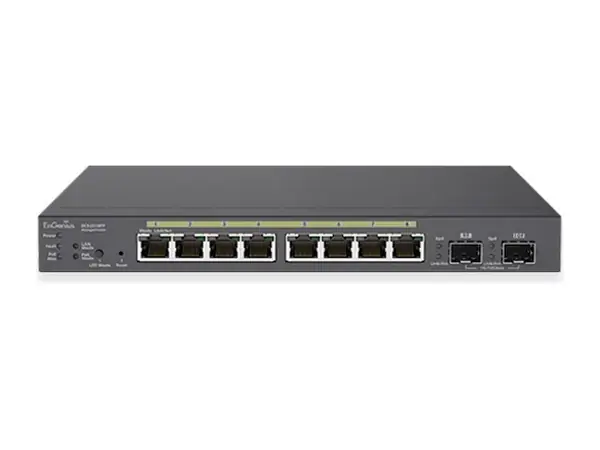
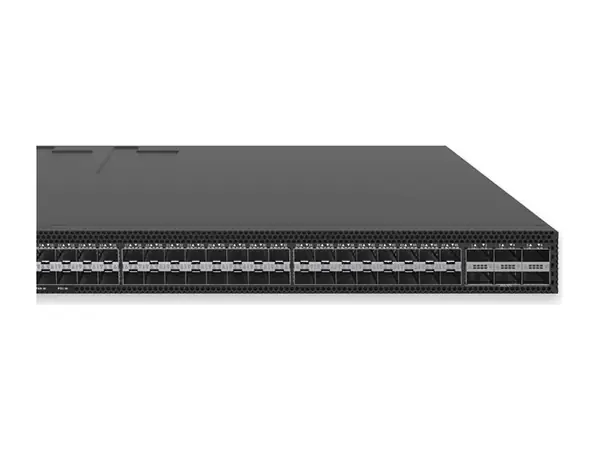
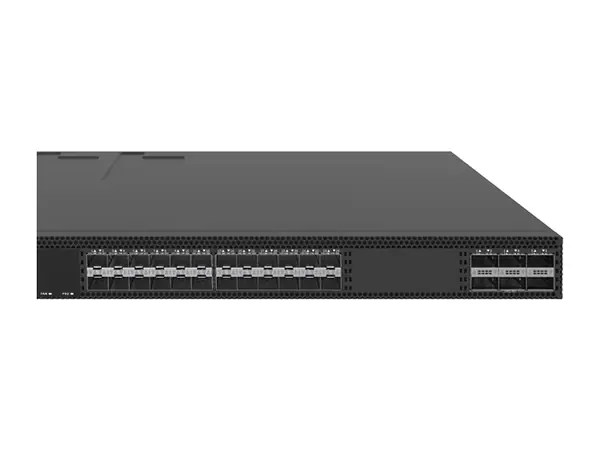
The EWS7928FP is end of life. Current models to consider include ECS2310FP, ECS8854F, ECS8830F. Contact Vemax and our engineers will recommend the right replacement for your site.
Can I become a EnGenius reseller in Malaysia?
Yes. Vemax works with IT resellers, ELV contractors and system integrators across Malaysia. Register through the contact form to get dealer pricing, demo units and technical training.